Documents
Operational merge templates for reusable outbound packs. Company letterheads stay under Setup → Document Templates.
Where to find it: Left menu → Documents & Records → Merge templates
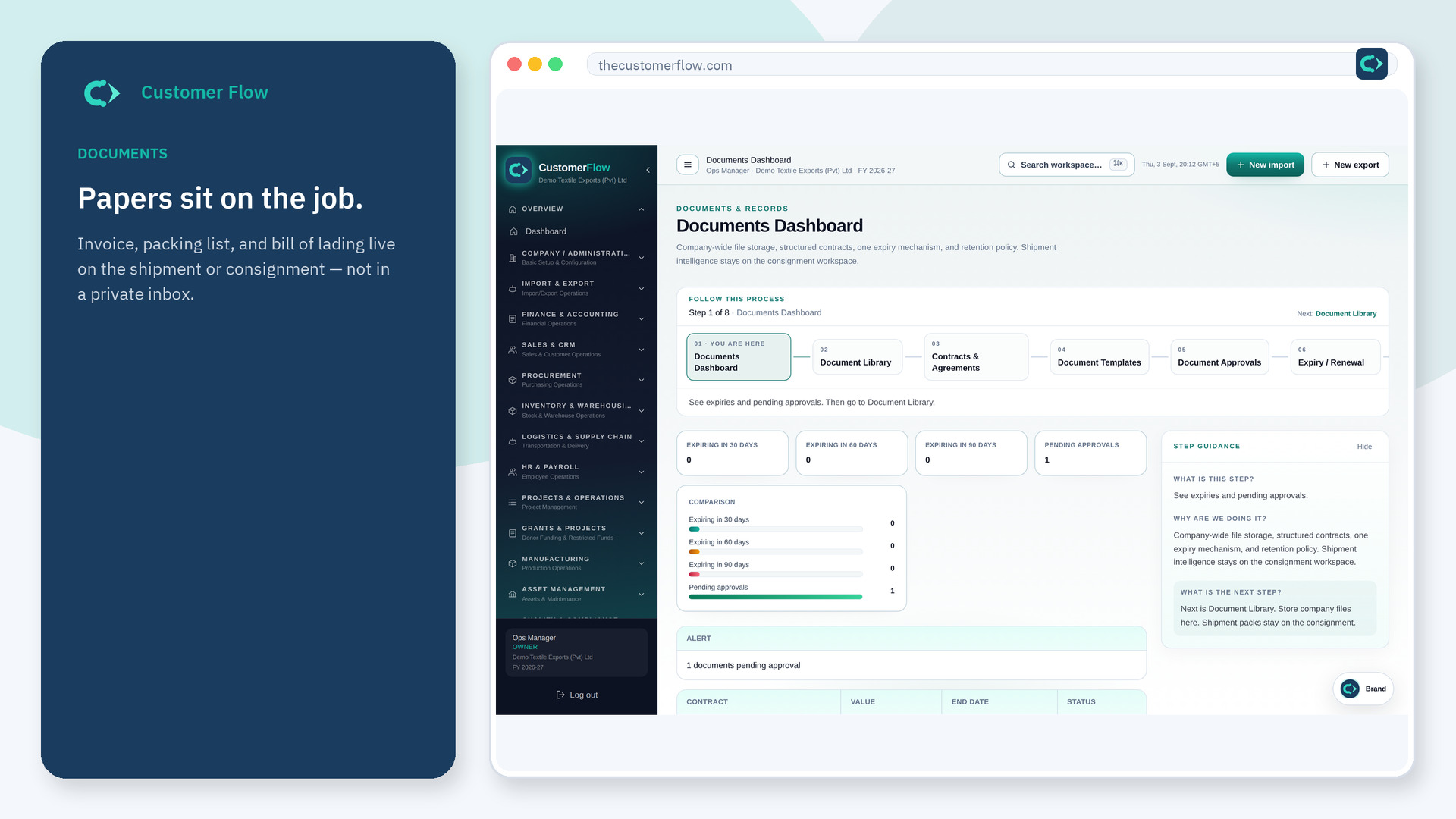
Step 1
Left menu → Documents & Records → Merge templates. If the name is missing, your role does not include it — ask an admin in Users & Roles.
Step 2
Create or update a template. Keep one per type. Do not fork ten “final_v7” copies.
Step 3
New records should offer this template. Setup letterheads should still apply when printing.
Yes. Merge templates is a signed-in workspace screen. This public page teaches the screen with a picture and a link to the feature video. It never shows another company’s data.
The left menu only shows screens your role may open. Ask a company admin to grant the matching permission, or to show you which role should own this step.
Setup holds company stationery. This list is merge templates in Documents & Records. Use both without duplicating the logo ten times.
