Sales
Goods leaving against a sales order. This posts a goods issue so stock is true.
Where to find it: Left menu → Sales & CRM → Delivery / Dispatch
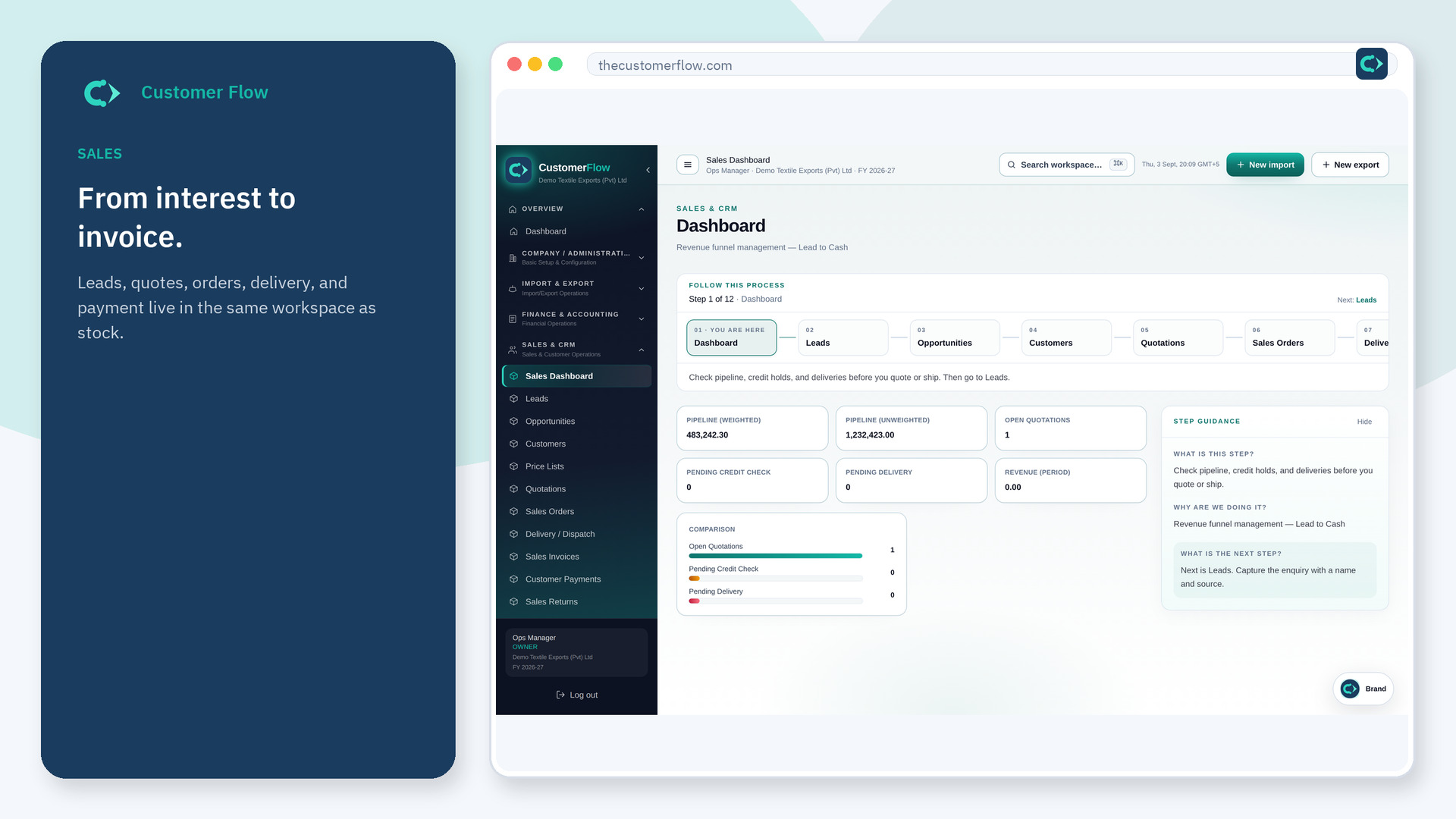
Step 1
Left menu → Sales & CRM → Delivery / Dispatch. If the name is missing, your role does not include it — ask an admin in Users & Roles.
Step 2
Pick the order, confirm what actually left, and post. Do not dispatch extra lines that were never ordered.
Step 3
Inventory on-hand should fall. The order should show delivered quantity.
Yes. Delivery / Dispatch is a signed-in workspace screen. This public page teaches the screen with a picture and a link to the feature video. It never shows another company’s data.
The left menu only shows screens your role may open. Ask a company admin to grant the matching permission, or to show you which role should own this step.
Your policy may allow advances. The delivery still has to match what left the warehouse.
