Sales
Receipts against open sales invoices. Same cash idea as Finance payments, from the sales side.
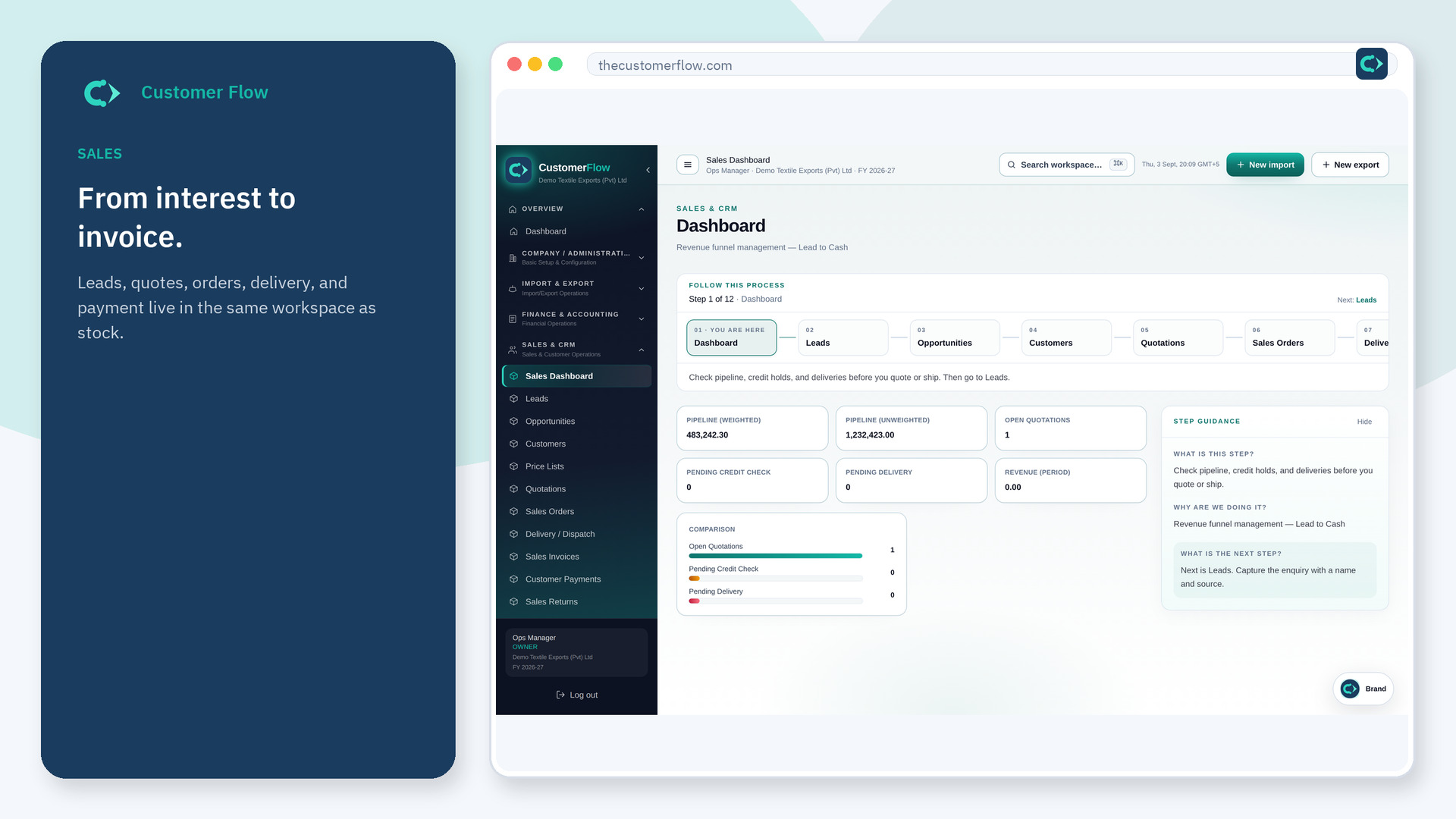
Where to find it: Left menu → Sales & CRM → Customer Payments
Step 1
Left menu → Sales & CRM → Customer Payments. If the name is missing, your role does not include it — ask an admin in Users & Roles.
Step 2
Pick customer, invoices, amount, and bank. Save. Unallocated cash should be rare and explained.
Step 3
Invoice balances drop. AR and the bank move together.
Yes. Customer Payments is a signed-in workspace screen. This public page teaches the screen with a picture and a link to the feature video. It never shows another company’s data.
The left menu only shows screens your role may open. Ask a company admin to grant the matching permission, or to show you which role should own this step.
Leave the extra as unapplied or refund per your policy. Do not hide it in a random invoice.
