Communication Center
Mentions, decisions, and replies that need you, plus approvals still waiting. Open an item to jump back to the source file.
Where to find it: Left menu → Communication Center → Activity
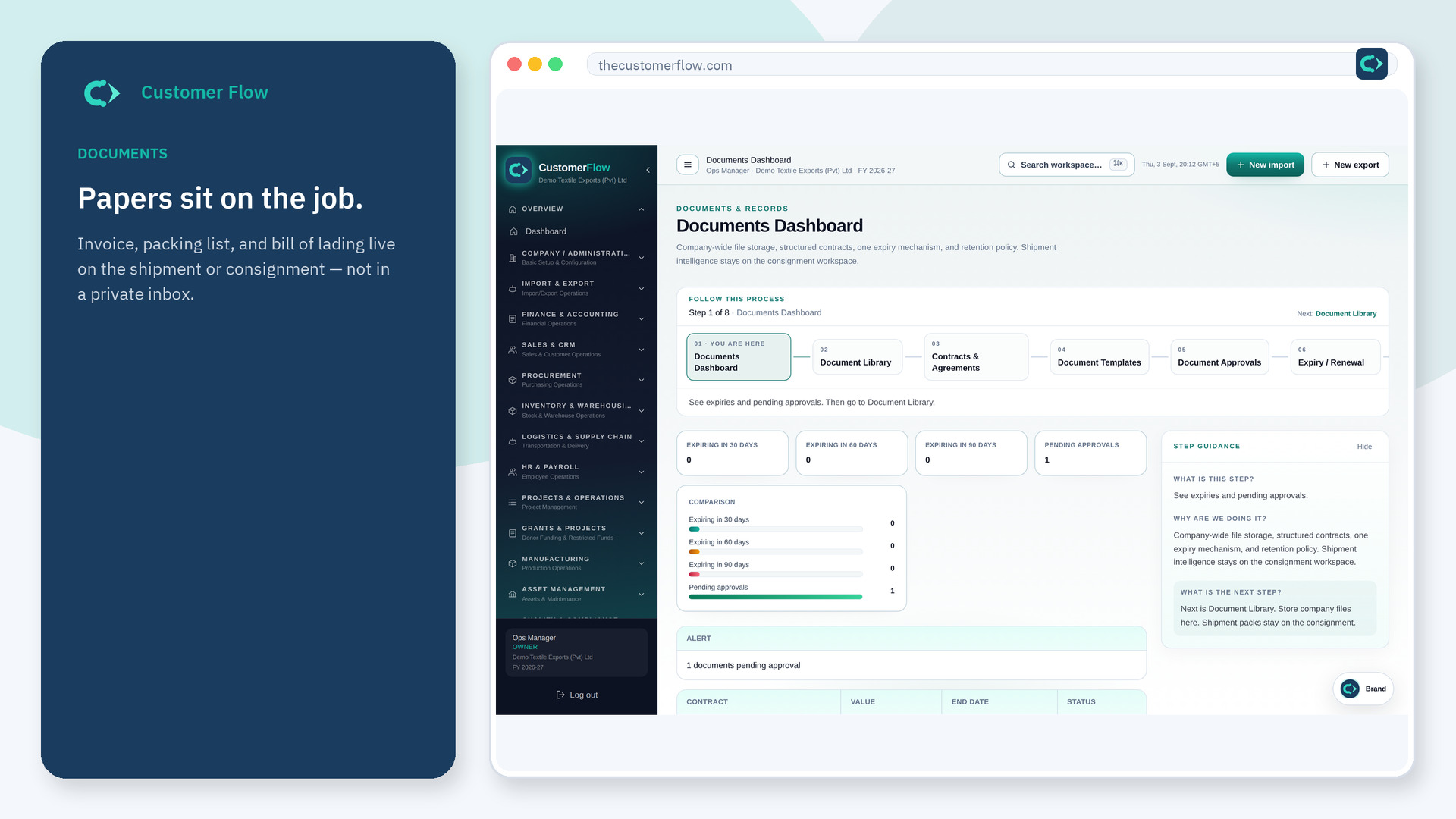
Step 1
Left menu → Communication Center → Activity. If the name is missing, your role does not include it — ask an admin in Users & Roles.
Step 2
Read unread items first. Open one to land on the document. Mark items read, or mark all read when you are caught up.
Step 3
The unread count should drop. A cleared mention should stay in the list as read, not disappear from history.
Yes. Activity is a signed-in workspace screen. This public page teaches the screen with a picture and a link to the feature video. It never shows another company’s data.
The left menu only shows screens your role may open. Ask a company admin to grant the matching permission, or to show you which role should own this step.
No. It only clears the unread badge. The messages stay on the source file.
