Projects
Baselines, change orders, and forecasts that freeze the approved plan.
Where to find it: Left menu → Projects & Operations → Budget Versions
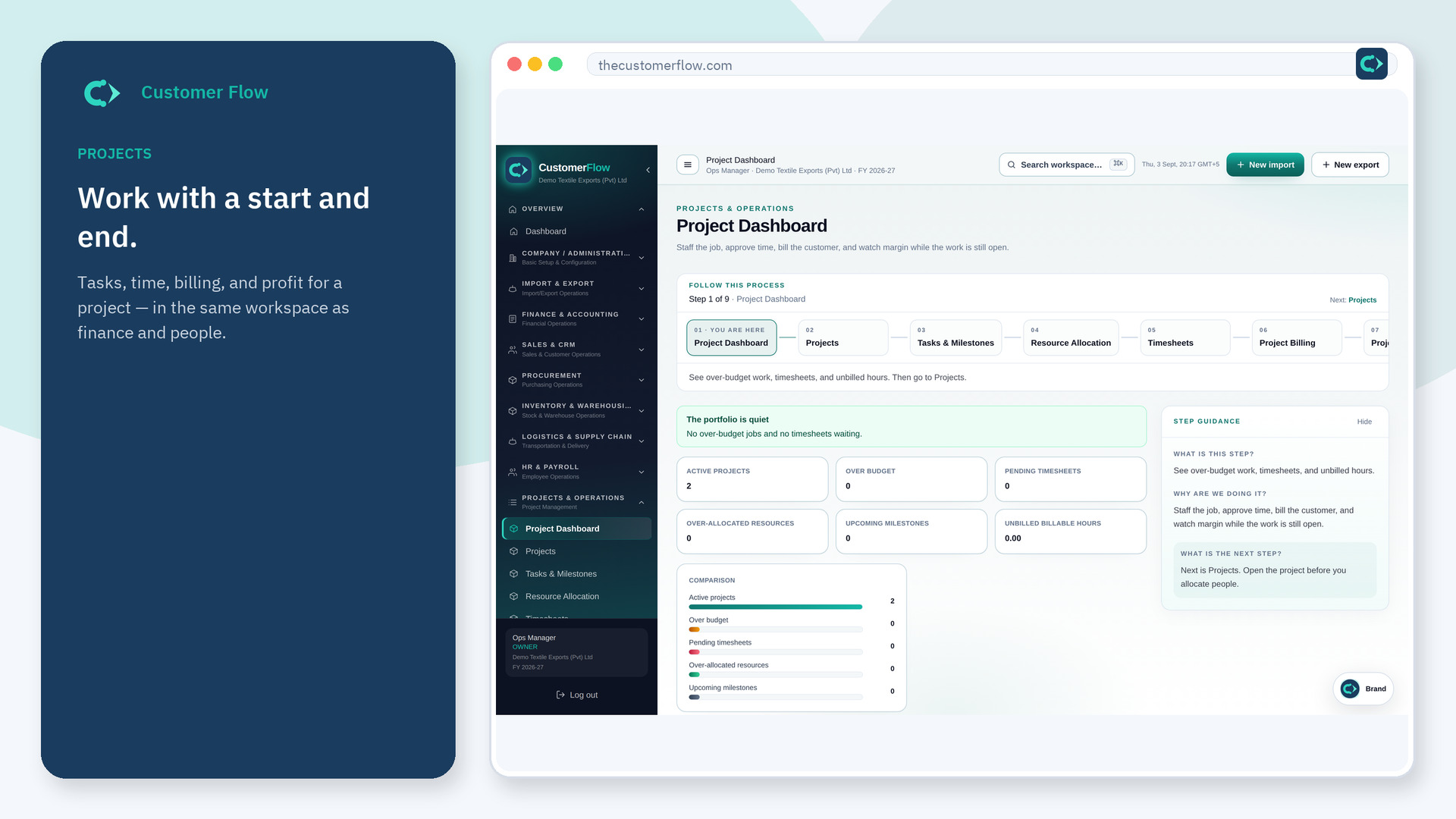
Step 1
Left menu → Projects & Operations → Budget Versions. If the name is missing, your role does not include it — ask an admin in Users & Roles.
Step 2
Create a baseline and approve it. For scope change, create a change order that copies lines, edit, approve.
Step 3
Only one version is current. Draft lines edit; approved lines lock. BvA defaults to current.
Yes. Budget Versions is a signed-in workspace screen. This public page teaches the screen with a picture and a link to the feature video. It never shows another company’s data.
The left menu only shows screens your role may open. Ask a company admin to grant the matching permission, or to show you which role should own this step.
No. Open a new change order or forecast and copy from the current version.
