Manufacturing
The recipe. Lock it before you release production so the floor is not guessing.
Where to find it: Left menu → Manufacturing → Bill of Materials (BOM)
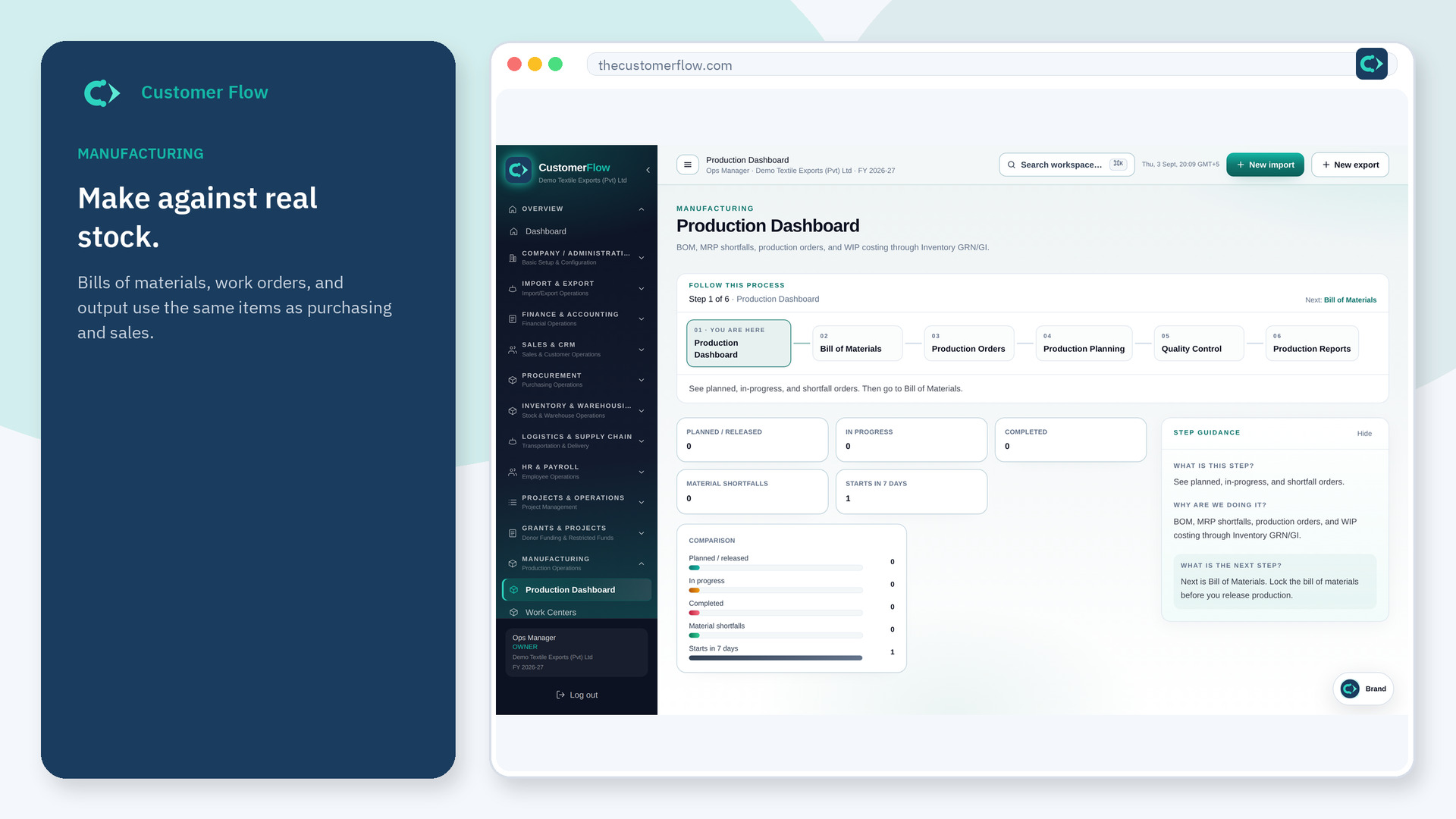
Step 1
Left menu → Manufacturing → Bill of Materials (BOM). If the name is missing, your role does not include it — ask an admin in Users & Roles.
Step 2
Enter components and quantities. Approve or lock per your process. Change with a revision, not a sticky note.
Step 3
A production order should explode this BOM. Component issue should match it.
Yes. Bill of Materials (BOM) is a signed-in workspace screen. This public page teaches the screen with a picture and a link to the feature video. It never shows another company’s data.
The left menu only shows screens your role may open. Ask a company admin to grant the matching permission, or to show you which role should own this step.
Revise the BOM, then decide if open orders use the old or new revision — on the file.
