Sales
Calls, visits, and tasks logged against a lead, opportunity, or customer so follow-up is not in chat.
Where to find it: Left menu → Sales & CRM → Activities
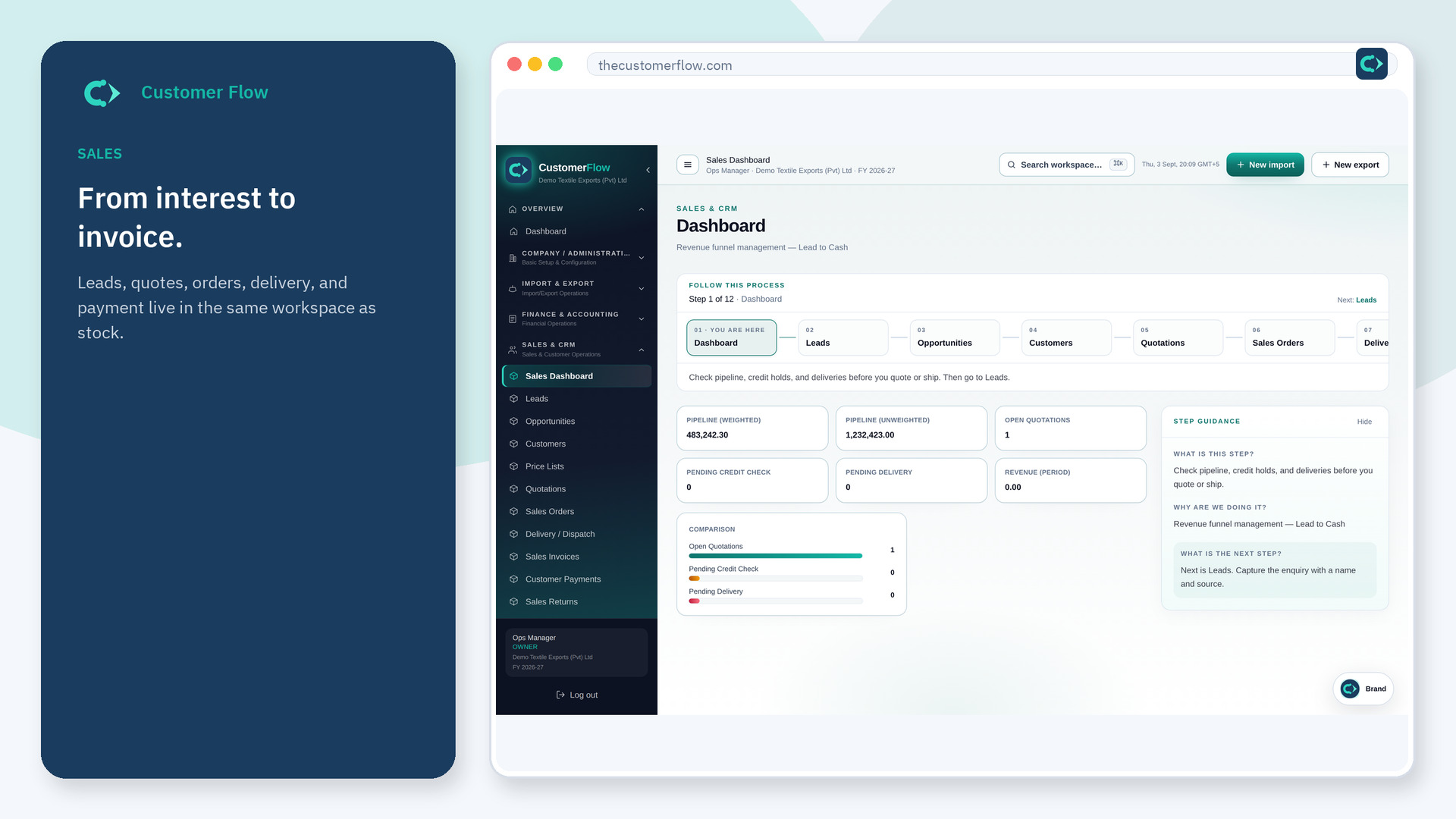
Step 1
Left menu → Sales & CRM → Activities. If the name is missing, your role does not include it — ask an admin in Users & Roles.
Step 2
Pick the related record, the activity type, and a subject. Complete it when the work is done.
Step 3
The activity appears on the list with status open until you close it.
Yes. Activities is a signed-in workspace screen. This public page teaches the screen with a picture and a link to the feature video. It never shows another company’s data.
The left menu only shows screens your role may open. Ask a company admin to grant the matching permission, or to show you which role should own this step.
No. Move the stage on Opportunities when the facts change. This is the diary.
