
Import & export
File study: purchase order to landed cost on one import
How an import file in Customer Flow keeps the invoice, packing list, duty, and extras together so landed cost is not a month-end spreadsheet.
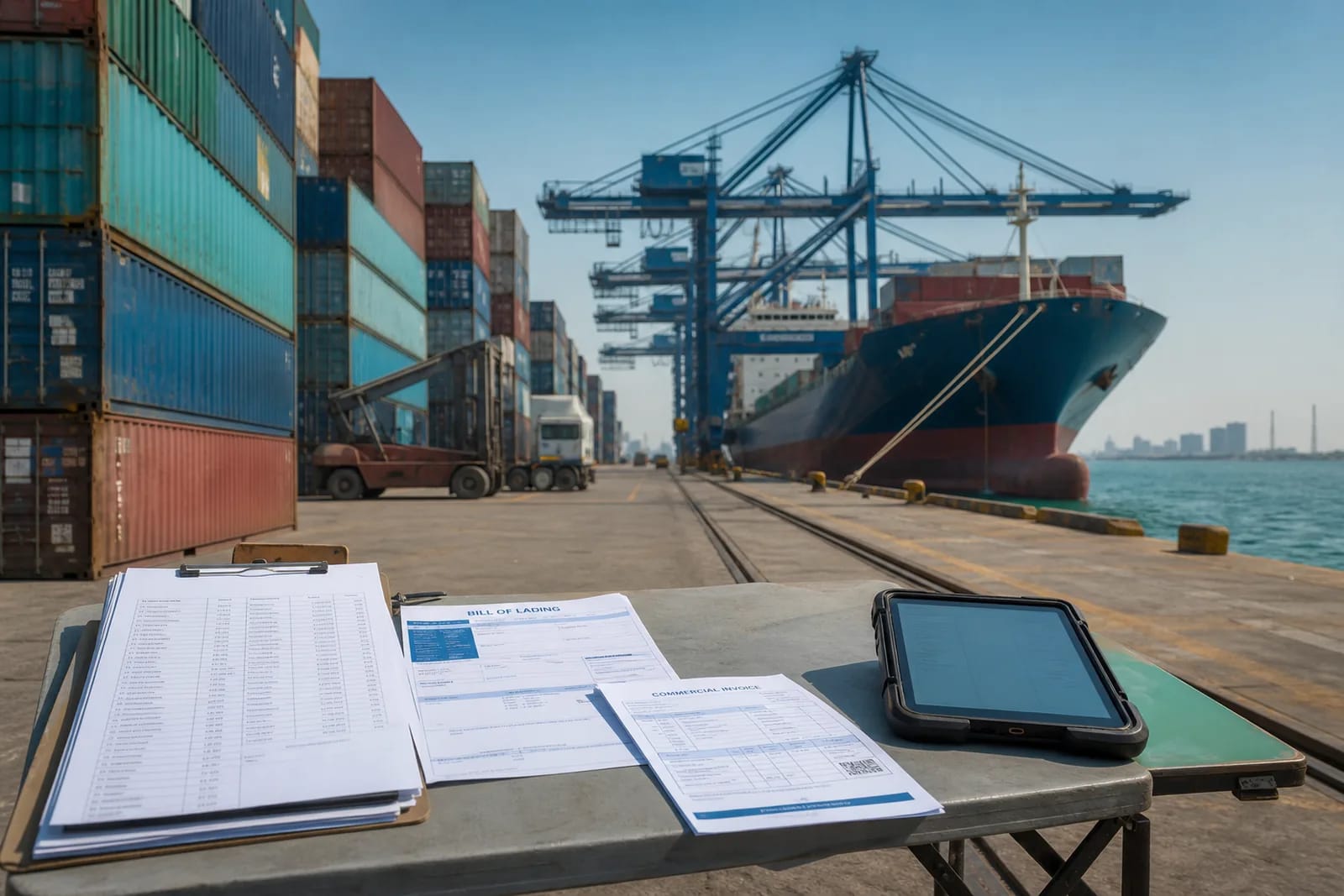
The problem on the desk
The supplier invoice is not the cost of the goods. Freight, insurance, duty, and inland haulage arrive on later papers. If those lines live in a workbook, margin is a guess until someone pastes them in.
What the file holds
Step 1
Open the import, not a new sheet
Create the file from the purchase. Partners and commercial terms are reused. The packing list and invoice attach to this consignment.
Step 2
Record extras as they arrive
Freight and duty become cost lines on the same record. Landed cost is a running total, not a quarterly true-up.
Step 3
Approve and close with an audit trail
Nothing posts because someone said yes in chat. The yes is saved on the file. Stock and money still agree when the import closes.
When the file closes
The consignment owns its papers and cost lines. When duty is assessed, the HS code and the extra sit on the same file as the bill of lading. Finance can export the trail instead of reconstructing email.